

My responsibilities
-
Level Design
-
Gather resources and inspiration.
-
Create sketches and blockouts of level concepts.
-
Create lighting fitting the envisioned mood of the game.
-
-
Game Design
-
Mechanical design.
-
Combat design and balancing.
-
Create a fitting dialogue system with Fungus.
-
-
Project Leader / Team
-
Communicate the essential assets and create priority list for the team, based on our vision.
-
Documenting my work using Trello.
-
Oversee the projects process.
-
Keep check of deadlines, important dates and organise our content.
-
Help the team stay on track, communicate with each other and make sure they have what they need to be able to work.
-
Process
1. Inspiration
Teylos City takes place in a retro-futuristic American inspired city. We wanted a lot of neon and 80s technology/infrastructure.
Our vision of the city was, there would be areas with bad infrastructure, other with futuristic (almost utopian) infrastructure and with large industrial facilities. To show the class injustice that took place in the games world.
Together with the project's Game Writer, we planned the world for the game.


2. Gameplay, combat and narrative
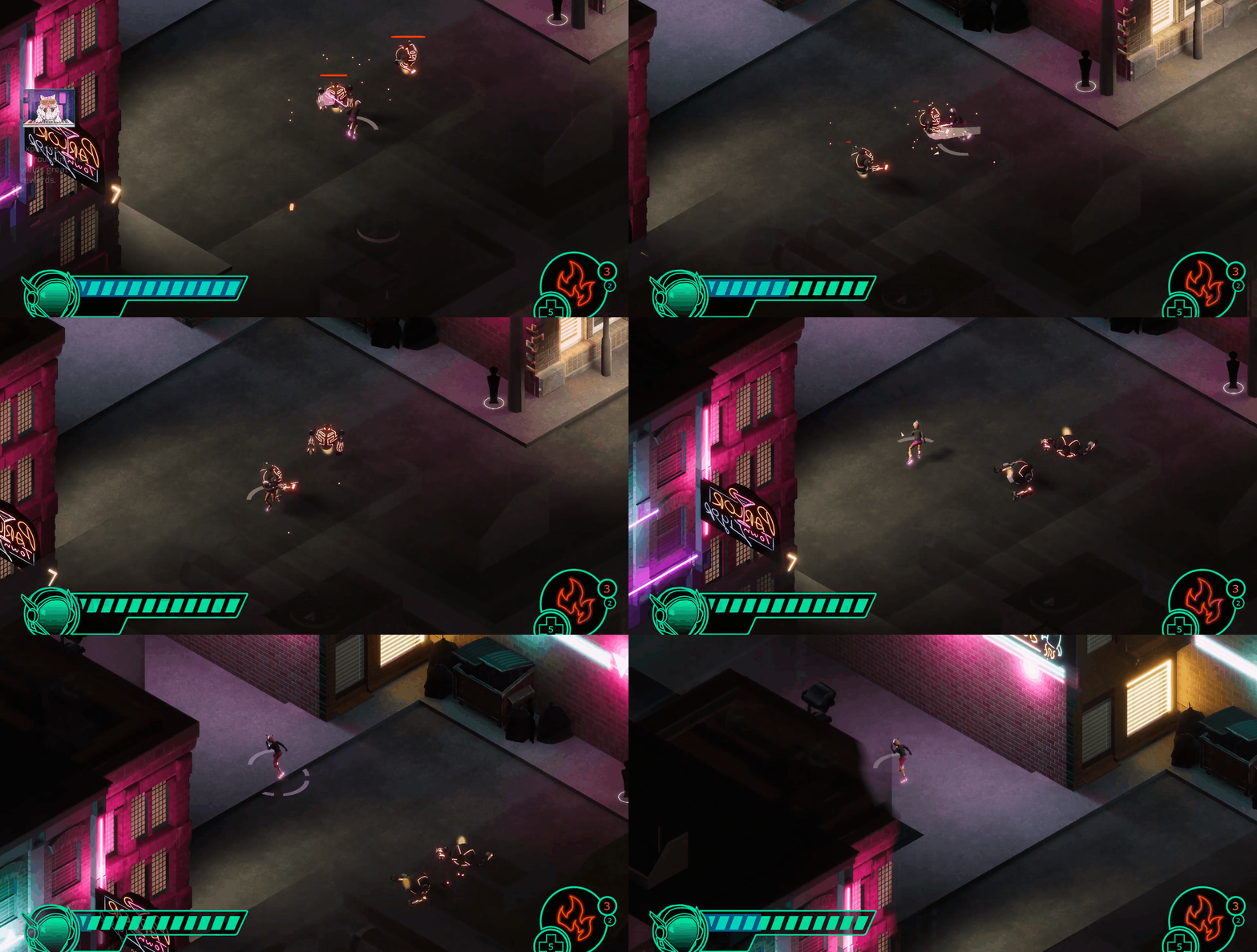
From our vision the combat would be inspired by hack'n'slash. The character has a sword and a utility gun at their disposal. The utility gun was designed to have minimal damage output and mostly used to gain advantage in combat, e.g. stun enemies.
To "make sense" of the faced paced combat - considering the player character is human - the character has rollerblades to move around fast with.
I balanced the movement and the combat. I regularly asked the team for feedback on my changes.
I worked a lot with Fungus, a dialogue system that uses visual scripting to create costumizable dialogue boxes, and created scripts to customize it to fit Teylos City. I also made sure it was easy to use for our Game Writer.
3. Sketching and whiteboxing
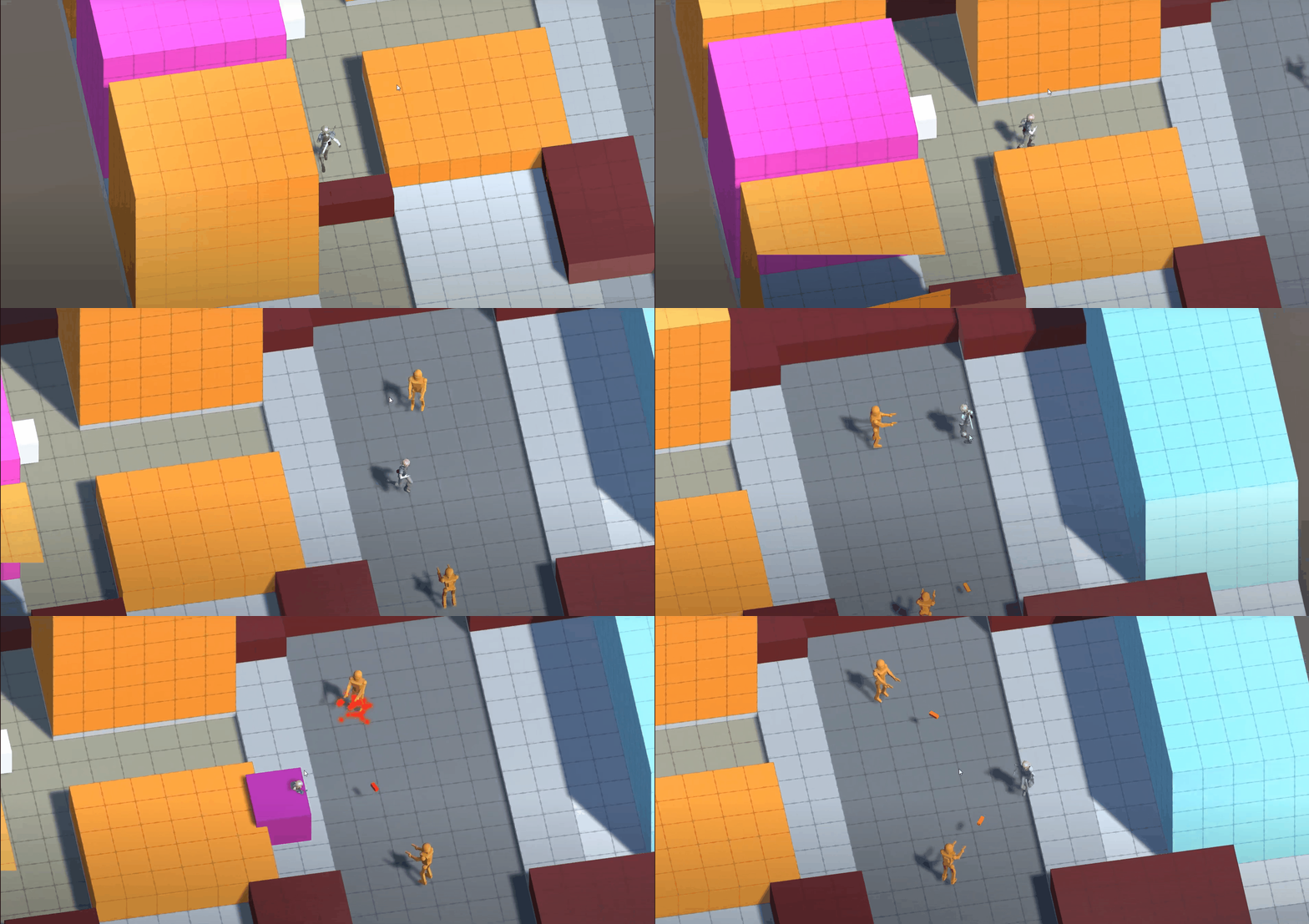
To create the level for Teylos City in this project, I started with doing some basic sketches on pen and paper. Later I used Unity's Probilder tool to create a 3D blockout. While doing the blockout, our 3D artists and I defiend metrics for the objects in the level.
When I whiteboxed I colour coded and gave the team a list of what the colours meant, to better communicate what the different squares meant.
I looked at a lot of different isometric games to learn to make sure the props, player, enemies etc looked good considering the camera angle.


4. Details - lighting and decoration
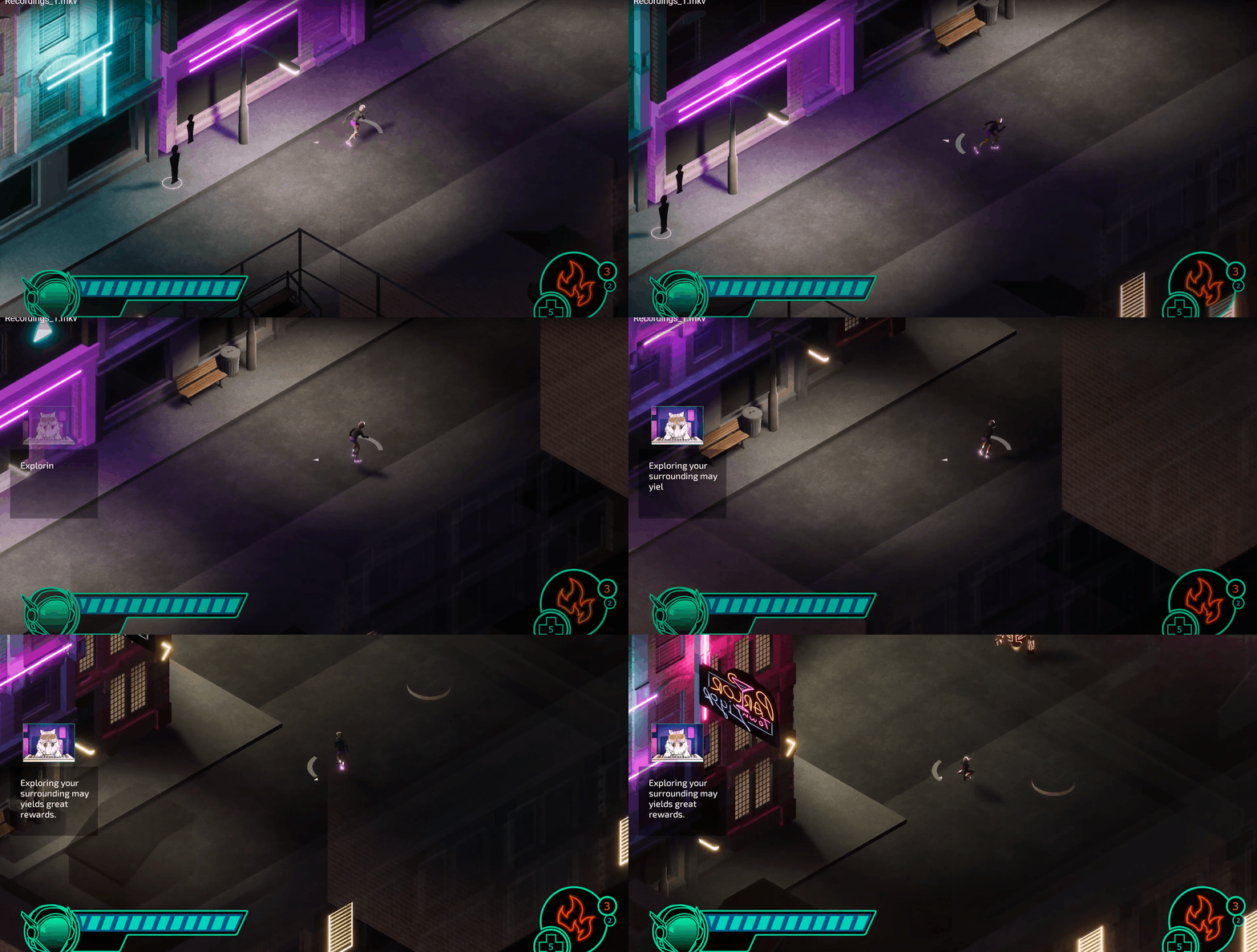
This was the first time working with post processing and baked lights in Unity, and I had a lot of fun playing around with it and learning. I iterated different kinds of lights to see what fit the vision of the game. I made sure to use Unity's different tools to make the lighting and shadow look smooth.
I decorated the level with not only the aesthetic of the game in mind but also functionally and intrigue, to make sure that the level "made sense" but also caught the players interest and didn't get boring.


Level design map


Final thoughts
Looking back at the project I learned a lot of things, how lighting works, level design, scripting, working with a team. For some areas it was my first time working with it, like post processing and the isometric perspective, and I enjoyed learning and exploring what I could do with it!
For the level design overall, As the game is now, it's very linear and boxy, I would've implemented diagonals, backtracking and different geometric shapes for the assets to make it a more interesting gameplay experience. I'm happy with the atmosphere the level has, the lights and aesthetics.
In short, I'm happy with the aesthetic of the game and gameplay, but there are definitely improvements to make in the level design (e.g. different geometric shapes and backtracking). As the project leader I learned a lot about how to oversee a project and work with different personalities.


